Sales tax compliance checklist · Business Guides
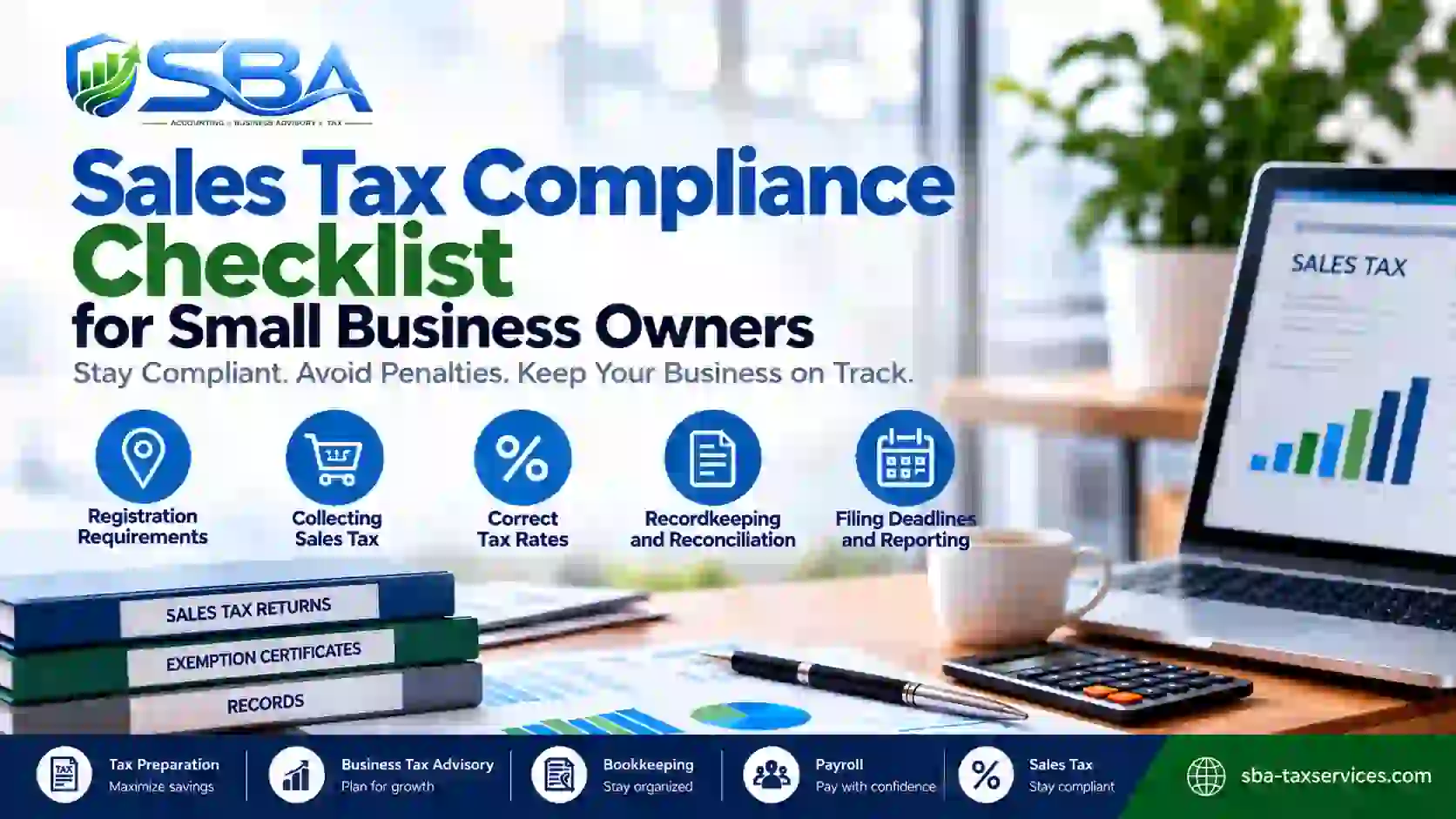
A practical sales tax compliance checklist helps small businesses selling in stores, through websites, or on e-commerce marketplaces understand their responsibilities. Online and in-person transactions can raise questions about where tax may be due, whether registration is required, and who must collect and remit it. The guide breaks the work into manageable steps. You can also use it to organize records, reconcile collections, and prepare for filing deadlines before a return is due.
Key takeaway
Treat sales tax as money collected for a tax authority—not as business revenue. Keep the supporting records, reconcile what you collected, and follow the filing instructions for each jurisdiction where you are registered.
1. Identify Where You May Have Sales Tax Obligations
To begin, map where your business sells and how those sales are fulfilled. Your obligations can depend on physical presence, economic nexus rules, the type of product or service sold, and the requirements of each state or local jurisdiction.
For example, inventory stored in another state, employees or other business activities there, or sales that exceed a state’s economic threshold may trigger registration responsibilities. Marketplace facilitators may collect tax on certain transactions, but that does not automatically resolve every obligation a seller may have.
- List the states and local areas where you have a business presence or make sales.
- Review current nexus rules and thresholds for each relevant jurisdiction.
- Separate direct website sales, marketplace sales, wholesale sales, and exempt transactions.
- Record the source and date of each compliance decision, then review it when your business changes.
Because rules vary, verify the current requirements with the relevant tax authority or a qualified tax professional. Do not assume that one state’s rules apply everywhere.
2. Confirm Registration and Account Details
Before collecting sales tax in a jurisdiction, confirm whether registration is required and complete the appropriate process. In many places, sellers should not begin collecting a tax under a registration that has not yet been approved or activated.
Keep a central register of each tax account, including the jurisdiction, account number, effective date, filing frequency, filing portal, and payment method. In addition, note any special instructions in the registration confirmation.
- Confirm the legal business name, address, ownership, and contact information.
- Save registration certificates and approval notices with your permanent tax records.
- Record filing frequency and the first return due date.
- Update account information when the business moves, expands, or changes structure.
For businesses operating in Virginia, review the official Virginia Retail Sales and Use Tax guidance for applicable registration and collection information. Businesses selling in multiple states can also review the Streamlined Sales Tax Registration System to understand whether it may help with participating states.
3. Review Product Taxability and Collection Settings
Next, confirm how each product, service, shipping charge, discount, and bundled offer is treated in the jurisdictions where you are registered. Similar items can be taxed differently from one state to another, and exemptions may require specific documentation.
Review your point-of-sale system, ecommerce platform, and accounting workflow together. Otherwise, tax settings may be correct in one system but inconsistent in another. As a result, a single settings review should cover every sales channel.
- Check product and service tax categories against current jurisdiction rules.
- Verify rates, local add-ons, and effective dates in your sales channels.
- Test checkout calculations for representative taxable, exempt, and shipped orders.
- Confirm that valid exemption or resale certificates are collected and retained where required.
- Review marketplace reports so transactions collected by a facilitator are not mistakenly treated as if your business collected the same tax directly.
Practical tip
When you add a product, enter a new state, or change your checkout platform, include a sales tax settings review in the launch checklist. A small configuration error can affect many transactions before anyone notices.
4. Keep Records for Your Sales Tax Compliance Checklist
Reliable records help you prepare accurate returns and answer questions if a tax authority requests support. Therefore, keep records in a consistent system, with enough detail to trace reported totals back to source transactions.
Depending on your business and jurisdiction, your records may include:
- Sales invoices, receipts, transaction dates, and customer locations.
- Gross sales, taxable sales, exempt sales, discounts, returns, and refunds.
- Sales tax collected by jurisdiction and tax rate.
- Marketplace facilitator statements and payment reports.
- Resale or exemption certificates and supporting documentation.
- Filed returns, confirmation numbers, payment receipts, and correspondence with tax agencies.
- Reconciliation reports showing how sales records connect to accounting totals and bank deposits.
Set a retention policy based on the rules that apply to your business. The IRS also explains general business recordkeeping principles in its small business recordkeeping guidance; however, sales tax retention periods are often determined by state or local law, so check the relevant tax authority’s requirements too.
For a more detailed records workflow, see SBA’s guide to sales tax records small businesses should track.
5. Reconcile Sales, Tax Collected, and Deposits
Reconciliation helps you identify differences before filing. First, compare sales reports from your point-of-sale or ecommerce systems with accounting records, payment processor settlements, and marketplace statements. Then, investigate differences while the transactions are still easy to trace, rather than waiting until the filing deadline.
At a minimum, review these figures for the filing period:
- Total sales and returns.
- Taxable sales and exempt sales.
- Sales tax charged to customers, separated by jurisdiction where possible.
- Tax collected by marketplaces or other third parties.
- Refunds, chargebacks, discounts, and adjustments.
- Tax liability recorded in the books and payments already made.
Instead, investigate differences rather than forcing totals to match. For instance, processor deposits may be net of fees and refunds, while sales tax reports may use transaction dates. Document any adjustments and keep the explanation with the reconciliation.
Sales tax collected from customers should also be tracked separately from ordinary operating income. This makes the liability easier to monitor and helps prevent the collected funds from being confused with money available for day-to-day spending.
6. Sales Tax Compliance Checklist: File and Remit on Time
Each registered jurisdiction may assign its own filing schedule and reporting requirements. Some accounts file monthly, while others file quarterly or annually; moreover, the required frequency can change as sales activity or account status changes.
Use the due date shown by the tax authority or your official account notice rather than relying on a generic calendar. Even when a period has no taxable sales, a registered account may still require a zero return. Confirm the rule for that account.
- Maintain a calendar with each return period, due date, and payment deadline.
- Prepare the return from reconciled source reports, not estimates alone.
- Compare reported sales, deductions, taxable sales, and tax due to your workpapers.
- Submit the return through the correct portal and save the confirmation.
- Schedule or make payment according to the authority’s instructions.
- Track notices, adjustments, amended returns, and follow-up tasks until resolved.
For more detail, read SBA’s guide to sales tax filing and remittance. It is useful to assign an owner and backup for each filing so deadlines do not depend on one person’s memory.
7. Your Sales Tax Compliance Checklist for Each Filing Period
A consistent monthly review makes the process easier to manage. For that reason, use the sales tax compliance checklist below as a repeatable control, then adapt it to your filing frequency and the rules for every jurisdiction where your business is registered. Even if your return is quarterly, a monthly review can help catch incorrect settings or missing records earlier.
Monthly and filing-period review
- ☐ Confirm current registrations and account notices.
- ☐ Check for new sales locations, channels, products, or nexus triggers.
- ☐ Review tax rates, product taxability, and exemption documentation.
- ☐ Export sales, refund, marketplace, and tax reports.
- ☐ Reconcile taxable sales and tax collected to the accounting records.
- ☐ Investigate discrepancies and document adjustments.
- ☐ Confirm the return period, filing deadline, and payment deadline.
- ☐ Review, submit, and pay each required return.
- ☐ Save filed returns, confirmations, payment evidence, and workpapers.
- ☐ Assign follow-up actions and record who completed the review.
Keep evidence of the review, even when the process is straightforward. A dated checklist, reconciliation file, and saved filing confirmation provide a simple audit trail.
8. Common Sales Tax Compliance Mistakes to Avoid
Many compliance problems arise when a process is informal or when systems are not reviewed after a business change. Watch for these common issues:
- Assuming marketplace collection covers everything: review your own registration and reporting obligations separately.
- Using one tax rule for every state: verify jurisdiction-specific rates, exemptions, and product rules.
- Ignoring zero-return requirements: check whether an inactive period still requires filing.
- Skipping reconciliation: compare sales, tax, refunds, and payment records before submitting a return.
- Failing to retain support: save source reports, exemption documents, returns, and payment confirmations.
- Missing changes in filing frequency: check official account notices and tax portal messages regularly.
- Leaving all responsibility with one person: assign a backup and maintain a shared compliance calendar.
If you spot an error in a prior return, review the relevant authority’s instructions for correcting it. Do not assume the same correction process applies in every jurisdiction.
Frequently Asked Questions
What should a sales tax compliance checklist include?
It should cover where the business may have obligations, registration status, taxability and rate settings, supporting records, reconciliation, filing deadlines, payment confirmation, and retention of evidence. Tailor the checklist to each jurisdiction and business channel.
Do I need to file a sales tax return if I had no sales?
Possibly. Some registered accounts require a zero return even when there are no taxable sales for the period. Check the instructions for the specific account and jurisdiction rather than assuming no activity means no filing.
How often should I review sales tax compliance?
Review transactions and records at least each filing period, and check account notices and business changes regularly. A monthly review is a practical control for many small businesses, even when returns are filed less frequently.
Does using an online marketplace remove all sales tax responsibilities?
No. A marketplace may collect and remit tax on certain transactions, but a seller may still have registration, reporting, recordkeeping, or other responsibilities. Check the rules for each jurisdiction and how the marketplace reports your transactions.
Where can I verify current sales tax requirements?
Start with the official tax authority for each state or locality where you operate or sell. For multistate questions, resources such as the Streamlined Sales Tax Registration System may help explain registration options in participating states. Requirements can change, so verify current rules before acting.
Final Thoughts
Overall, a dependable sales tax compliance checklist gives your business a repeatable way to confirm obligations, keep records organized, reconcile collections, and meet filing and payment deadlines. Most importantly, it helps you identify problems before they become recurring issues.
As your business grows, revisit your process whenever you add sales channels, enter a new jurisdiction, change products, or receive a notice from a tax authority. When a rule is unclear, confirm it with the relevant authority or a qualified tax professional.
Need Help Keeping Your Sales Tax Process Organized?
SBA Accounting and Tax Services PLLC helps small businesses strengthen their bookkeeping, maintain clearer records, and build practical tax workflows. If you need support organizing sales tax records or keeping your compliance process on track, contact our team to discuss your needs.
Note: This article provides general educational information, not individualized tax or legal advice. Sales tax requirements vary by jurisdiction and can change; confirm the rules that apply to your business with the relevant tax authority or a qualified professional.
One Response